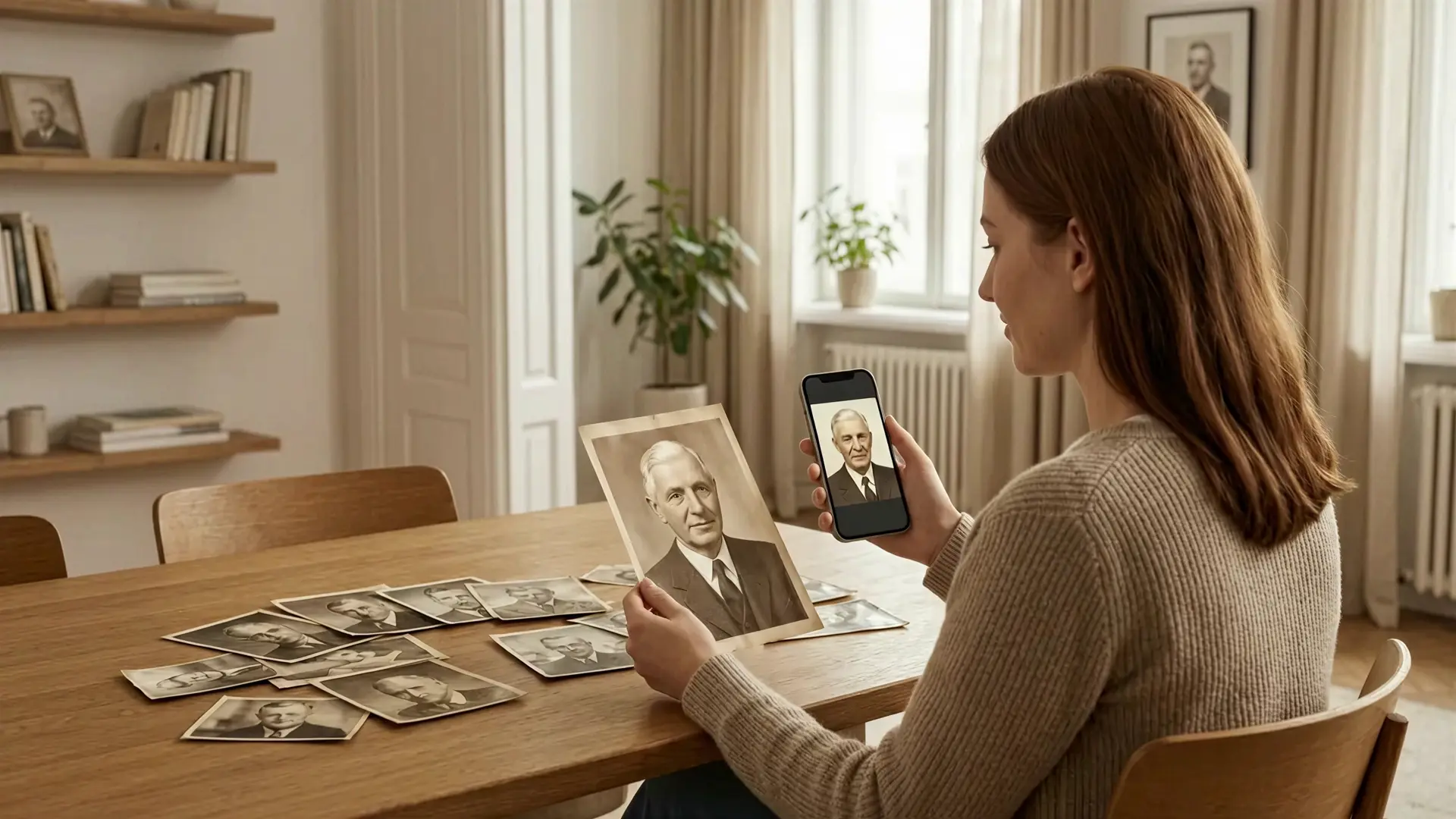
Don't lose your family memories to time
Restore old photos, animate treasured moments, and turn them into living family stories.
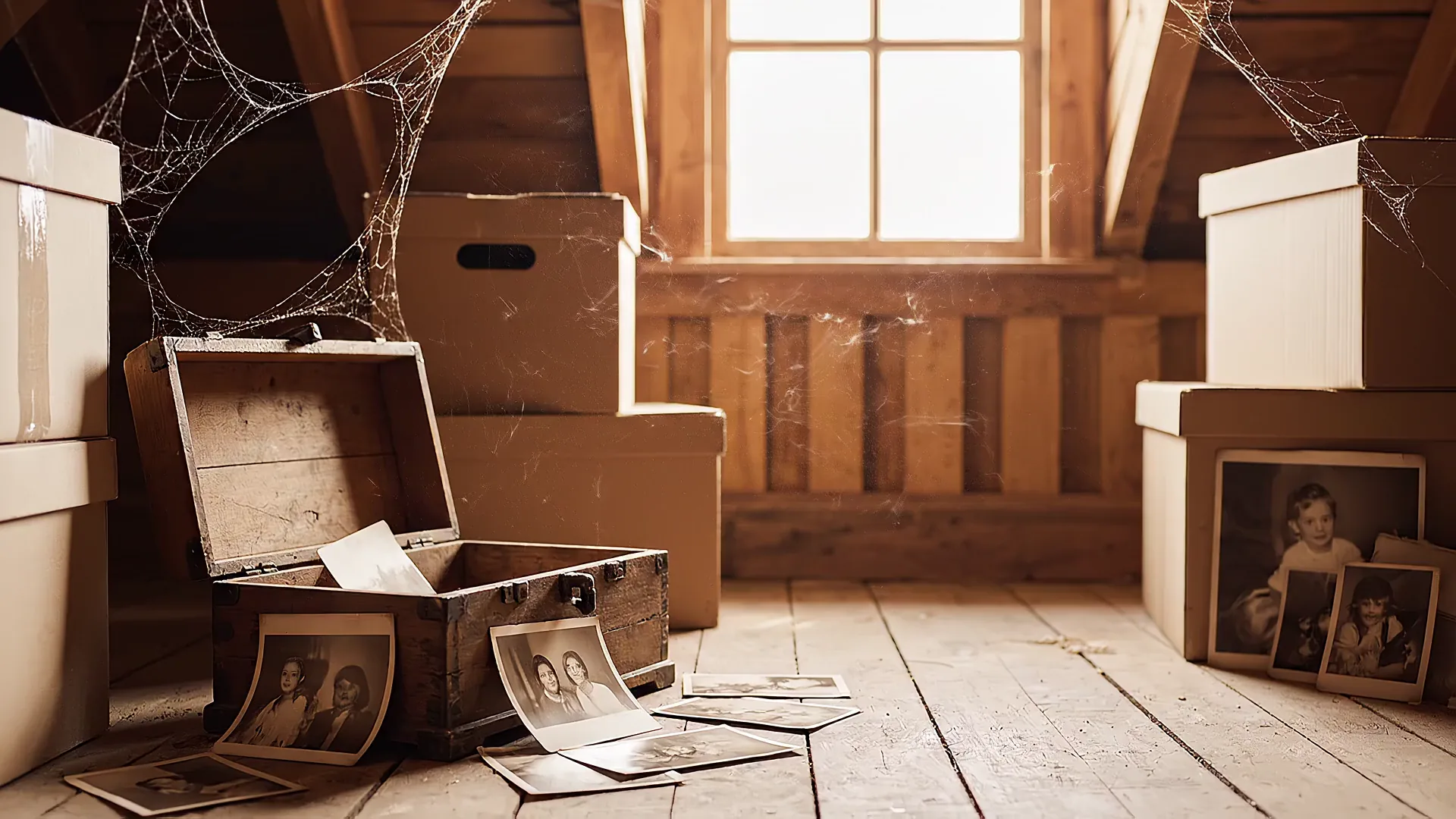
Most family photos stay forgotten
Albums, phone galleries, old boxes, and cloud folders are full of meaningful moments. They matter deeply, but most are never restored, shared, or turned into something your family will truly revisit.
Restore & Enhance
Restore what time has taken away
Improve old, faded, damaged, or low-quality photos with AI enhancement before turning them into something new.
AI photo restoration can fix blurry, faded, damaged, and low-quality family pictures in just a few steps. Memories AI helps enhance old portraits, sharpen details, and bring back natural color without manual editing. Use it to prepare scanned prints, photo albums, and phone snapshots for animation or storytelling. It is an easy way to preserve family memories and make old photos feel vivid again.
Animate
Bring treasured moments to new life
Animate family photos with natural motion like a smile, a greeting, or a gentle movement that makes the memory feel close again.
AI photo animation can turn a still family picture into a living memory with a smile, a glance, or a gentle wave. Memories AI helps animate portraits with natural motion so old photos feel personal and emotional again. Use it to create short animated clips from scanned prints, restored images, or favorite family snapshots. It is a simple way to make treasured moments feel close, vivid, and shareable.
Home Theater
Turn your photos into a family movie
Combine multiple animated memories into one emotional video story with music, ready to watch, save, and share.
AI story creation lets you combine restored and animated family photos into one complete video with music and emotion. Memories AI helps turn separate moments into a single narrative that feels cinematic, personal, and easy to share. Use it to create keepsake family videos for birthdays, anniversaries, memorials, or everyday memories. It is a simple way to transform scattered photos into a story your family will want to watch again.
Made for the moments that matter most
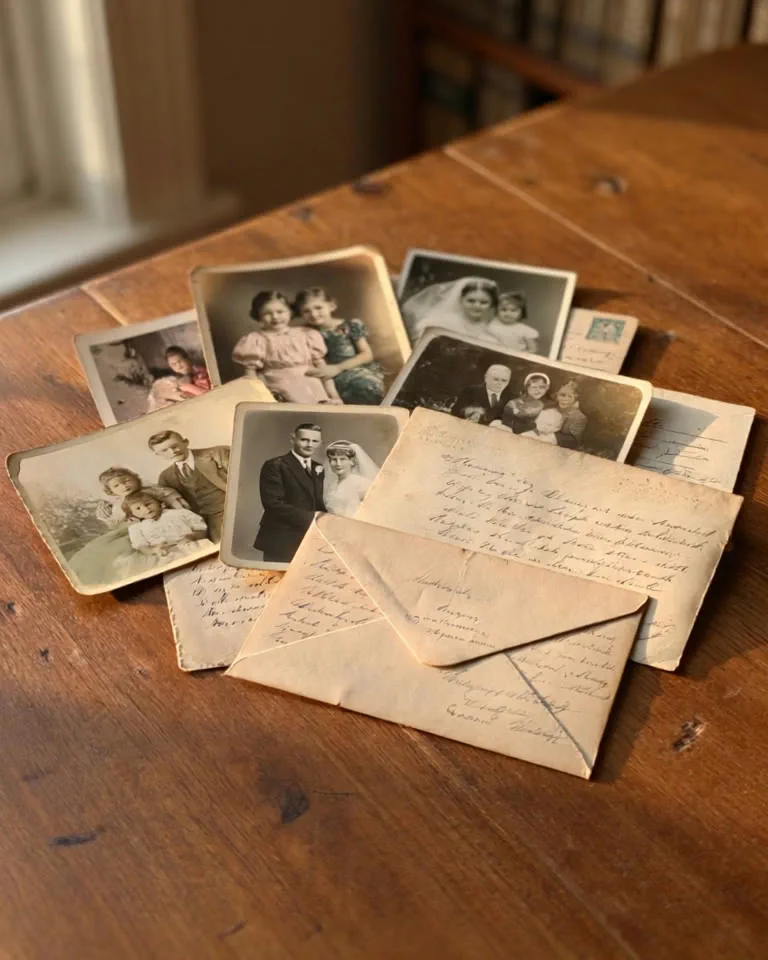
Old family archives
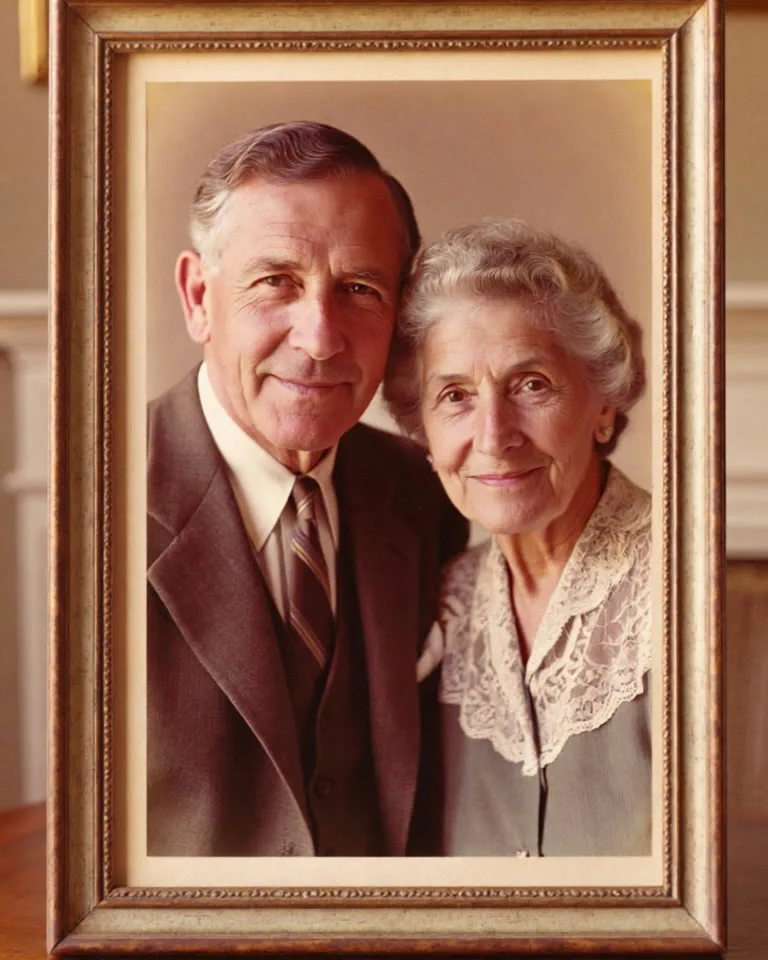
Grandparents' portraits
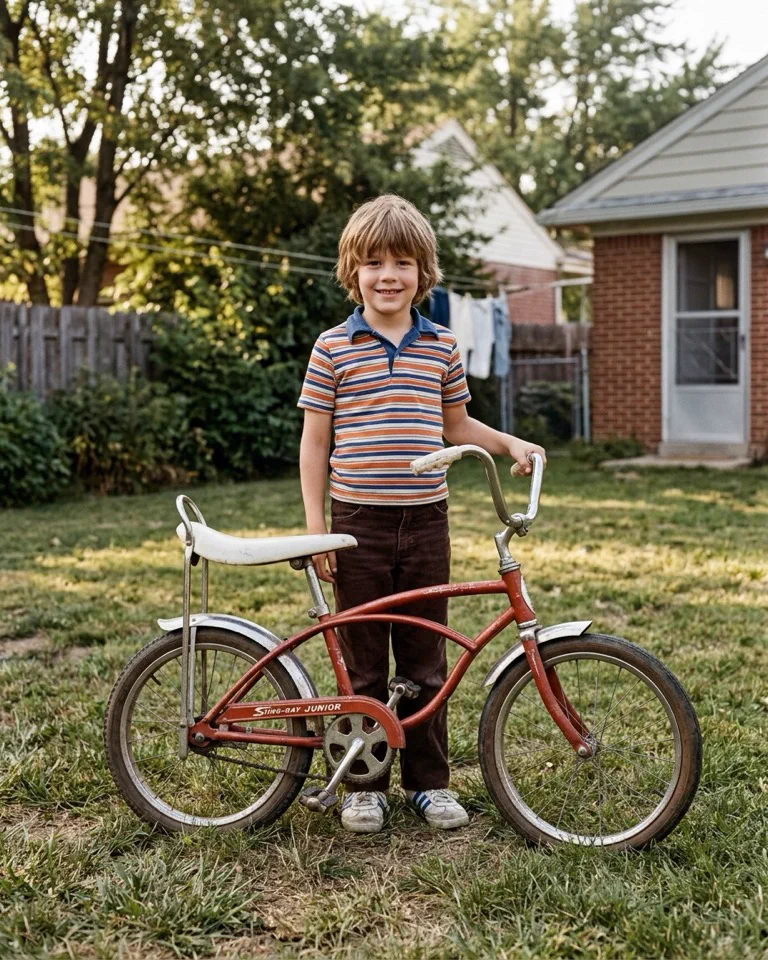
Childhood memories
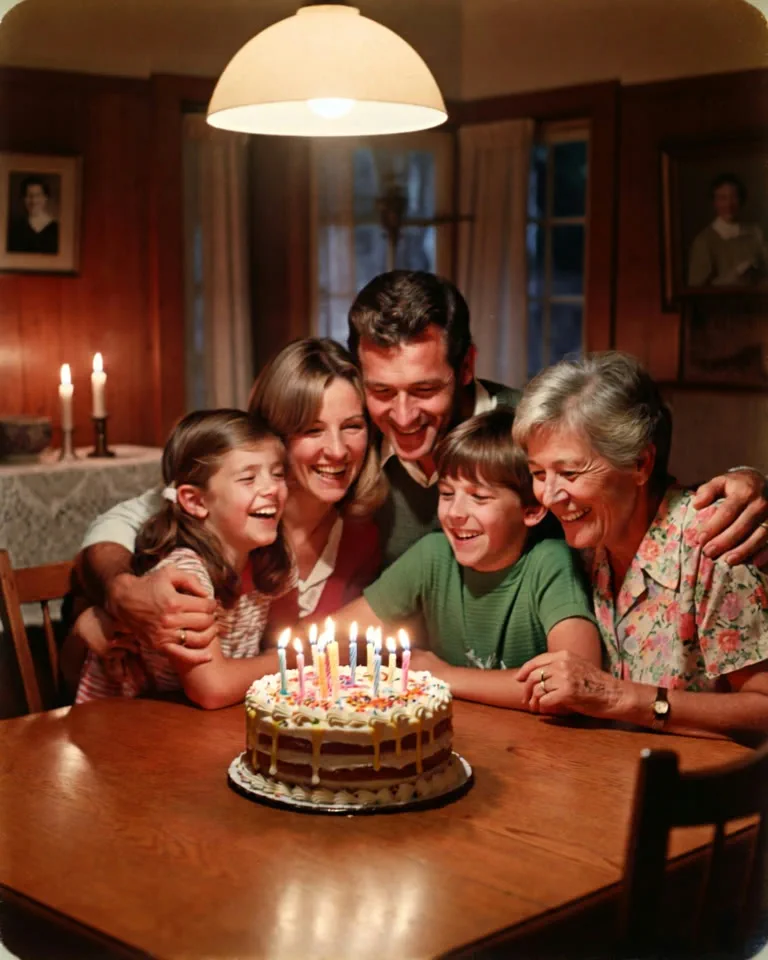
Birthdays and anniversaries
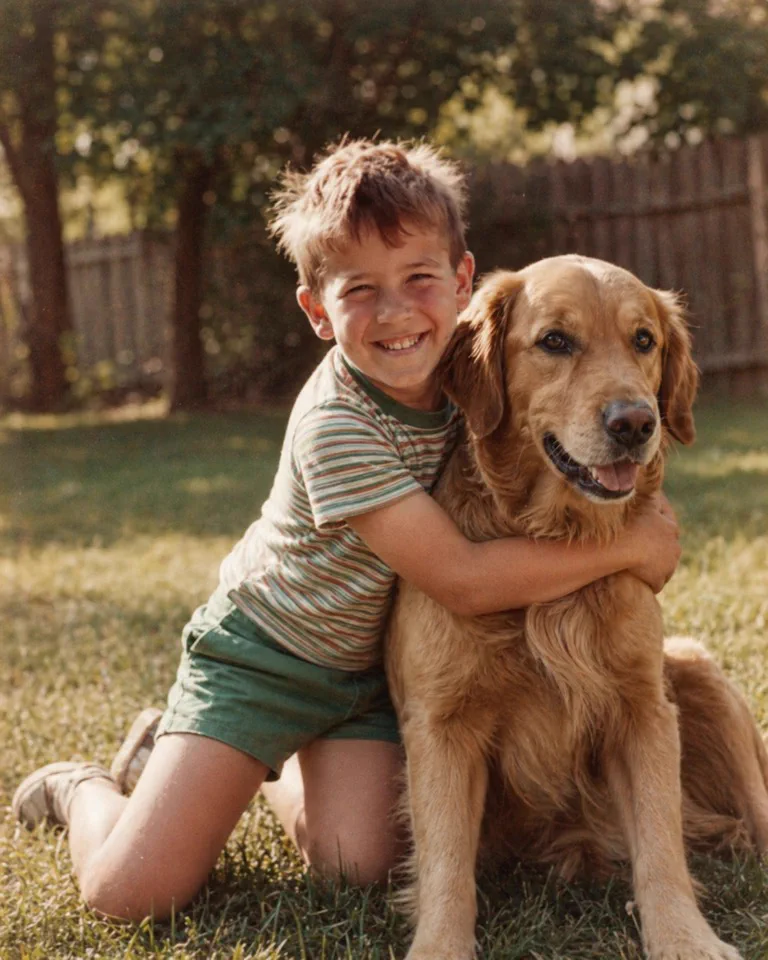
Beloved pets
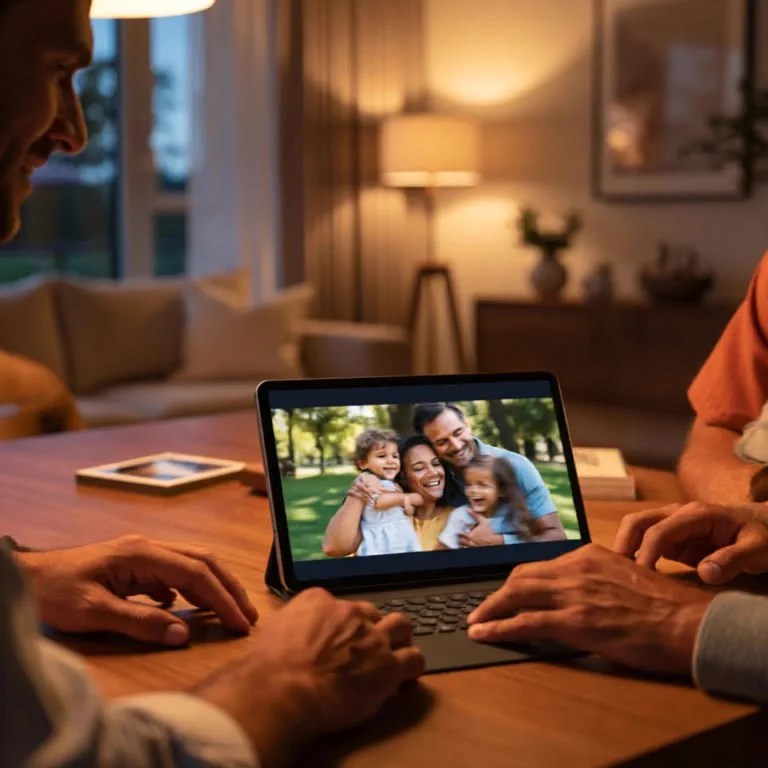
Family movie nights
How it works
No editing skills. No complex tools.
1 / 4
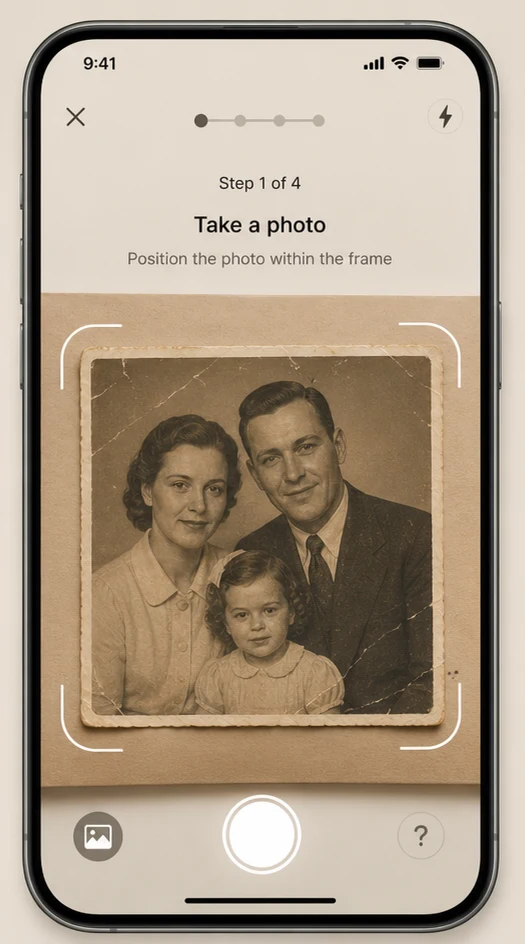
Upload your family photo
Scan a print or snap a photo from your album, frame, or phone.
FAQ
Common questions
Yes. Memories AI is built to improve low-quality family pictures, including faded prints, blurry portraits, scratched scans, and old photos that have lost detail over time.
No. The process is designed for anyone to use. You upload a photo, choose what you want to create, and let the app handle restoration, animation, and story generation.
Yes. You can animate a single image on its own or combine multiple restored photos into a longer family movie when you want a bigger result.
Scanned prints, portraits, wedding photos, childhood pictures, grandparents' photos, and phone snapshots of old albums all work well. Clear faces usually produce the strongest animation results.
Yes. You can save restored images, animated clips, and completed family stories, then share them with relatives or keep them as personal digital keepsakes.